
Odoo Agency: ERP implementation, integration and operations
ODOO ERP ROLLOUT AND INTEGRATION

Odoo is a modular ERP: sales, inventory, purchasing, accounting and manufacturing in one system. We implement it, connect it to Shopware and your other systems and run it for you if you like.
What is Odoo?
Odoo is ERP software from the Belgian vendor Odoo S.A. It is made up of individual apps, such as sales, CRM, inventory, purchasing, accounting, manufacturing and website, that run on one shared database. You start with the areas you need and add more later.
Odoo comes in two editions. The Community Edition is licensed under the LGPLv3, free of licence fees and self-hosted. The Enterprise Edition has its own licence, requires a per-user subscription and adds apps such as Odoo Studio, the full accounting scope and the vendor's upgrade service.
A new major version of Odoo comes out roughly once a year, and the vendor supports the last three. Moving to a new version is a data migration you should plan for. We often automate the processes around Odoo with n8n and build the shop on Shopware.
The Odoo ecosystem
Odoo itself is only one part. What carries a project are the modules around it and the integrations with other systems. As of October 2026.
What we deliver with Odoo
Available as individual services or as a project. If another ERP fits you better, we tell you up front.
How an Odoo project works
How long a rollout takes depends mainly on the number of areas, integrations and legacy data. We give you a range after the process review.
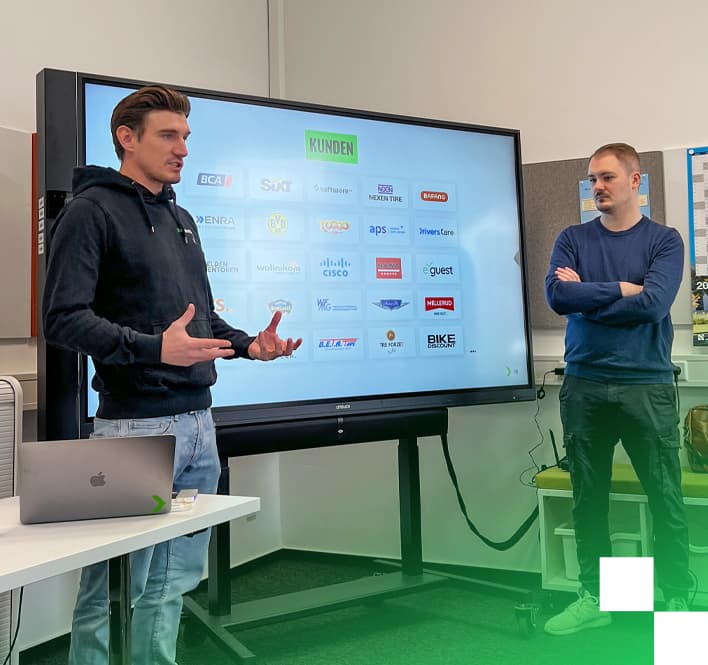
Brands that work with us



Pros and cons of Odoo
Pros
- One system for sales, inventory, purchasing, accounting and manufacturing instead of several isolated tools.
- The Community Edition is open source under the LGPLv3 and free of licence fees.
- Large ecosystem of vendor apps, OCA modules and third-party modules.
- An external API makes integrations with shop, PIM, DMS and automation possible.
Cons
- Key features such as the full accounting scope and Odoo Studio are Enterprise-only, with a per-user subscription.
- New major versions come out every year, and each upgrade is a data migration.
- The more the core is customised, the more expensive later upgrades become.
- The quality of third-party modules varies, so they have to be checked before use.
Is Odoo right for you?
A good fit if …
- you want to replace inventory software, CRM and spreadsheets with one system.
- you run a Shopware shop and want stock, prices and orders properly synced with the ERP.
- your processes largely match the standard and you would rather adapt processes than software.
- you want to roll out step by step, area by area.
Probably not if …
- there is established industry software for your sector that covers your core processes better.
- you want to rebuild Odoo so heavily that it barely matches the standard any more.
- nobody in the company has time to clarify processes and support the rollout.
- an existing ERP works well and only the shop integration is missing.
Odoo hosting: run on your terms
Instead of Odoo Online or Odoo.sh, you can run Odoo on your own infrastructure, as Community or Enterprise Edition. We set up the instance and take care of operations.
- Hosting in the EU, your data stays yours
- Regular, automated backups with restore tests
- Prompt security updates, version upgrades tested on a copy first
- Monitoring of availability, resources and certificates
Odoo, SAP Business One or ERPNext?
All three target small and mid-sized companies. They differ mainly in licence, operations and ecosystem.
| Criterion | Odoo | SAP Business One | ERPNext |
|---|---|---|---|
| Licence | Community under LGPLv3, Enterprise with its own licence and a per-user subscription | Proprietary, licence and rollout through SAP partners | Open source under GPLv3 |
| Operations | Odoo Online, Odoo.sh or your own servers | Your own servers or cloud through partners | Frappe Cloud or your own servers |
| Customisation | Custom modules in Python | Add-ons and SDK, mostly through partners | Custom apps in the Frappe framework (Python) |
| Ecosystem in DACH | Many partners, many modules | A great many partners, widespread among mid-sized companies | Smaller, mostly freelancers and small teams |
| Shopware integration | Via the API, ready-made connectors or middleware such as n8n | Via connectors from partners | Via the API, usually custom-built |
As of October 2026. Simplified overview. We check licence terms and features with you for your specific project.
Odoo Data & Insights
All postsWhat does an Odoo rollout cost?
Odoo Community or Enterprise?
How do I connect Odoo with Shopware?
Self-host Odoo or use Odoo Online and Odoo.sh?
Odoo or SAP for mid-sized companies?
How long does an Odoo rollout take?
Can we migrate data from our old ERP?
Your edge with Odoo
There are plenty of Odoo partners. We connect the ERP with everything around it: the shop, automation and custom software.
Shopware and Odoo from one team, without an interface between two vendors
Automated processes with n8n, for documents, notifications and syncs
Custom development when the standard is not enough
One dedicated contact in Mönchengladbach and Düsseldorf
Ready for your Odoo project?
Let's talk about your requirements – we'll get back to you within one business day with concrete next steps.
What's it about?

Paul Kalisch
Executive Partner
- 30 minutes by video or phone
- You talk directly to a partner, not to sales
- You get the order of steps, risks and rough costs

Related services and technologies for Odoo
- ServiceEnterprise Software
- ServiceCustom Software Development
- ServiceSystem & Software Architecture
- ServiceSoftware Modernization & Legacy Migration
- TechnologyERP integration
- TechnologyConnecting Shopware with Odoo
- TechnologyReplacing legacy systems
- TechnologyOpen-source hosting
- TechnologyERP in the wiki
- TechnologyStrapi
- TechnologyDirectus
- TechnologyContentful
- TechnologyGraphQL
- TechnologyLaravel
- TechnologySupabase