n8n agency: workflows, integrations and AI agents
Automate workflows with n8n

With n8n we connect your systems and automate recurring processes – from lead routing to AI-assisted approval. Traceable, extensible and, if you want, on your own server.
n8n in figures
- 209K
- 436
- 2.46.3
- 11 days
- 465K
What is n8n?
n8n is a platform for workflow automation and AI agents from the Berlin-based company n8n GmbH. Processes are assembled visually from building blocks and can be extended with your own code. n8n is available as a cloud service and for self-hosting. The source code is open to inspect and free to use within your own business.
One lead, four steps, zero manual work
Run the sample workflow: form submission in, contact into the CRM, message to the team, confirmation by email – step by step with a log. Switch on the failure to see retries and the error branch. Everything is a simulation in your browser, nothing is sent.
Lead workflow as we build it with n8n
- Trigger: formNew request via the contact form
- Create CRM contactCreate contact with company and source
- Slack/Teams messageSales gets the lead in their channel
- Email to the leadConfirmation with the next step
- Error branchTicket for the admin, lead stays in the CRM
- Execution steps
- 0
Log
- No run yet – click “Run”.
Sample workflow as a simulation, nothing is sent. Every attempt counts as one execution step here – how the vendors bill executions differs.
The n8n ecosystem
Triggers
What starts a workflow
Webhook and form triggers
Start a workflow as soon as another system calls a URL or someone submits an n8n form – a shop placing a new order, for example.
Schedule and app triggers
Start workflows at fixed times or when something happens in a connected tool, such as a new contact in the CRM.
Nodes & AI
What happens in the workflow
App nodes and HTTP Request
Ready-made nodes for common tools such as CRM, shop and email. For anything without its own node, HTTP Request calls any REST API directly.
Code node
Your own JavaScript or Python code as a step in the workflow – for transformations and special cases that standard nodes can't express cleanly.
AI Agent
Connects a language model with memory and tools. The agent decides which tools to use – other n8n workflows, for example. n8n's AI nodes are built on LangChain.
MCP nodes
The MCP Client Tool uses tools from external MCP servers; the MCP Server Trigger exposes your own n8n workflows as tools for AI assistants.
Community nodes
Nodes built by the community for tools without an official integration, installable as npm packages. We check maintenance and code before using them.
Operations
Where and how n8n runs
Self-hosting with Docker
The usual way to run n8n yourself: one container, with SQLite by default and PostgreSQL as the database for production.
n8n 2.x, October 2026
Queue mode
Spreads executions across several workers: the main instance puts jobs into Redis, free workers pick them up. n8n advises against SQLite here – PostgreSQL belongs with it.
Your server
Not part of n8n: a Linux server with Docker, PostgreSQL and backups – or you use n8n Cloud and let n8n handle operations.
What we implement for you with n8n
Bookable individually or as a project. If Make, Zapier or a custom backend fits better, we tell you beforehand.
How an n8n project runs
We start small: one workflow that pays off quickly. The next ones follow.
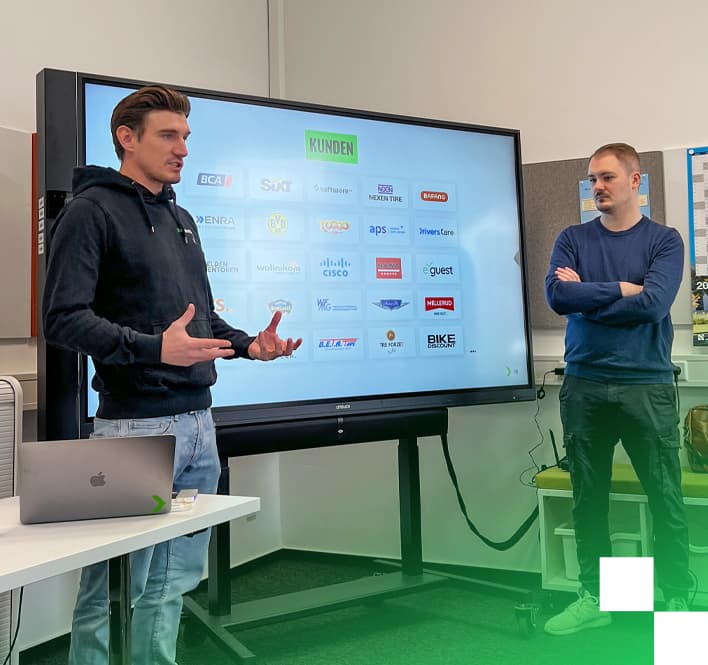
Brands that work with us




Pros and cons of n8n
Pros
- Can be self-hosted, so sensitive CRM, ERP and shop data stays on your server.
- Visual workflows that can be extended with your own JavaScript or Python when needed.
- Many ready-made integrations plus an HTTP node for any documented API.
- Dedicated building blocks for AI agents and LLM steps inside the workflow.
- Self-hosted, there is no per-execution fee, so high volumes stay predictable.
Cons
- The license is fair-code rather than classic open source, with limits on reselling or embedding.
- Self-hosted, you own updates, backups, scaling and security.
- Large workflows get messy fast without structure and version control.
- Some team and governance features are only available in paid editions.
- Frequent releases occasionally change nodes in ways that affect existing flows.
Is n8n right for you?
A good fit if …
- you want to automate processes across CRM, ERP, shop and email while keeping data in-house.
- you want to add AI steps such as classification or draft replies to existing processes.
- you run many executions and usage-based SaaS pricing is getting expensive.
- your team likes visual workflows but wants to add code for edge cases.
Probably not if …
- you only need a few simple connections and do not want to run a server.
- nobody can take ownership of updates, monitoring and error handling for the workflows.
- the automation is core logic with strict requirements for transactions and testing.
- you plan to resell n8n as part of your own product without checking the license.
Self-hosting, license, data protection
n8n can run on your own server, for example via Docker. The data in your workflows then passes through your infrastructure and not through that of an automation provider. If you want to keep data in-house, this gives you an option a pure cloud service does not offer.
n8n is licensed under the Sustainable Use License. It permits use and modification for your own internal business purposes. Distribution to others is only allowed free of charge and for non-commercial purposes. For most companies this means: running it for your own needs costs no license, while some features for larger organizations are paid.
Self-hosting also means running it yourself: updates, backups, access rights and monitoring. We set that up and take it over if you want. More in our post n8n in SMEs: 7 workflow automations.
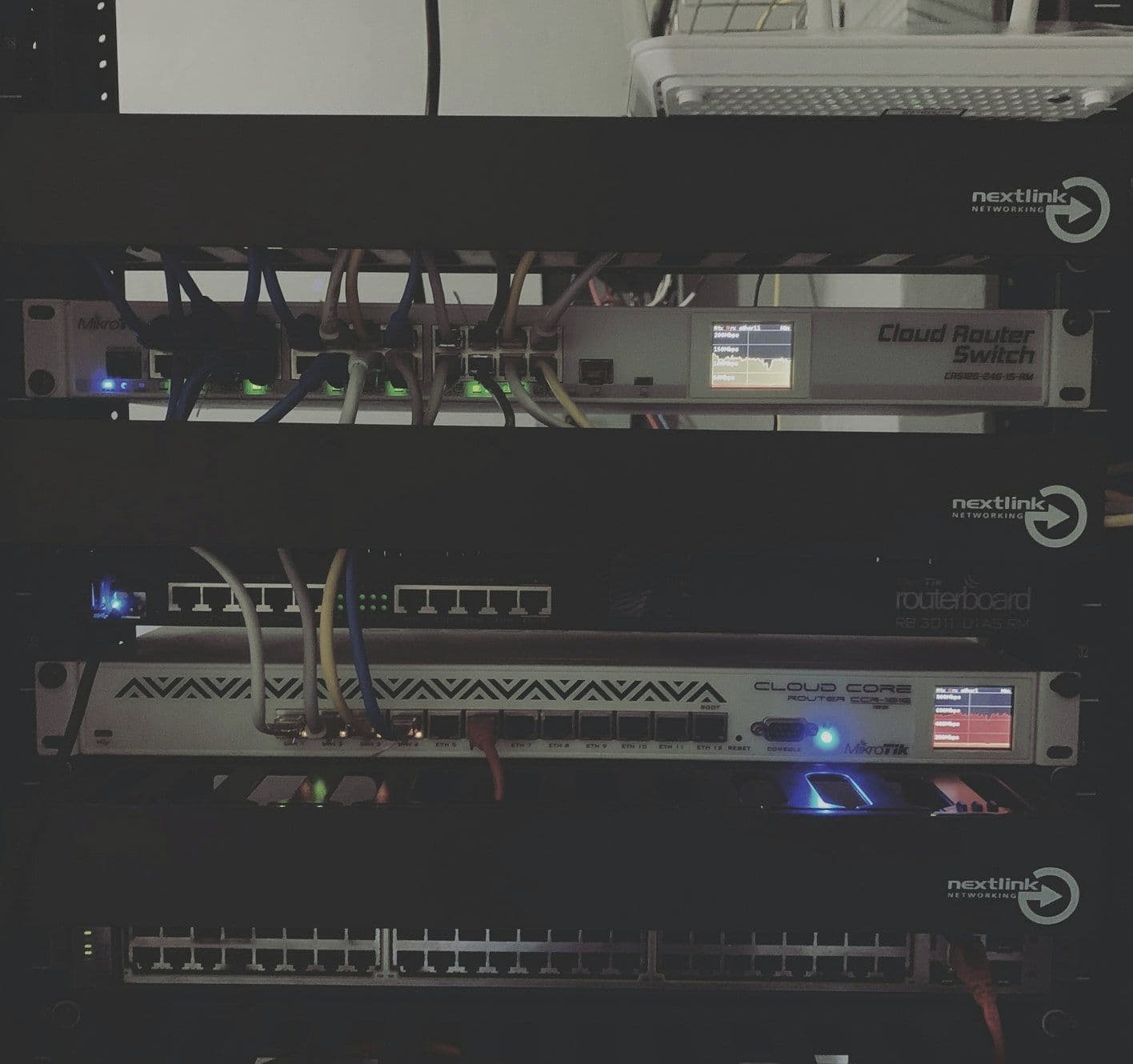
We are automation engineers
We combine n8n with your APIs and policies: clear error paths, monitoring and versioning – so automation doesn't become a black box.
- Integration of webhooks, REST and GraphQL
- Secrets management and role concepts
- Retry, dead-letter and human escalation
- Connecting LLMs with classical systems
Which tool fits your workflows?
We work with all three. What matters is where your data may live and how complex the workflows are. Answer five questions and see which way it leans, and why. The weighting follows the table below.
Question 1 of 5
Where may your workflow data live?
All trade-offs as a table
n8n, Make or Zapier?
We work with all three. What matters is where your data may live and how complex the processes are.
| Criterion | n8n | Make or Zapier |
|---|---|---|
| Operation | Cloud or on your own server | Hosted service run by the provider |
| Custom code | JavaScript and HTTP calls directly in the workflow | Depends on the provider |
| AI agents | Dedicated building blocks for agents, models and tools | Depends on the provider |
| Operational effort | With self-hosting: updates, backups, monitoring | Low, the provider runs it |
| Fits when … | data should stay in-house or processes are complex | a few standard tools need connecting quickly |
Our assessment, as of October 2026. Providers' features and prices change; we re-check them before every project.
n8n compared
n8n next to technologies of the same category, measured with the same public sources.
| Figure | n8n | Zapier |
|---|---|---|
| Releases in 12 months | 436 | 23 |
| Median between releases | 1 day | 13 days |
| Latest version | 2.46.3 (30/10/2026) | 19.3.0 (30/10/2026) |
| Downloads per month | 465K (npm) | 530K (npm) |
| Security advisories (12 months) | 144 | 1 |
Sources: OSV.dev, npm · as of 31/10/2026. Figures are indicators, not a verdict on quality. Go to the pages: Zapier
Releases & issues
| Version | Date | Issues opened | of which closed |
|---|---|---|---|
| 2.45.3 | 23/10/2026 | 18 | 3 |
| 2.45.2 | 22/10/2026 | 4 | 1 |
| 2.45.1 | 21/10/2026 | 6 | 4 |
| 2.45.0 | 20/10/2026 | 14 | 5 |
| 2.44.4 | 19/10/2026 | 6 | 1 |
Source: GitHub · as of 25/10/2026
Visual orchestration instead of script chaos
Workflows stay traceable for business teams – at the same time we version changes and separate test from production environments.
Self-hosted & full control
Sensitive data stays in your infrastructure: n8n can be operated like any other internal service – with your own backup and HA strategies.

Ready-made nodes and custom code
Standard connectors accelerate the start; JavaScript and HTTP nodes cover special cases – we encapsulate recurring logic in reusable sub-workflows.
AI-supported decisions
Classification, summarization or routing: LLM steps are combined with clear inputs, output schemas and human approvals.

Lead and order routing
New requests land with the right team, enriched from CRM – duplicates and manual forwarding disappear.
Data hygiene & nightly batch jobs
Stock reconciliation, BI exports and alerts on deviations: n8n runs recurring jobs on schedule and logs them.

n8n Data & Insights
All postsWhen is n8n worth it for our company?
Is n8n free?
Do we need our own server?
Is n8n GDPR-compliant?
What happens if n8n does not know our system?
How do you stop automation from becoming a black box?
Sources
As of October 2026
Your edge with n8n
Automation only pays off when it runs reliably. We deliver flows that operations and compliance can rely on – with documented interfaces.
Faster lead times without Excel bridges
Reduced manual error rates
Transparent logs for audit and optimization
Close integration with your AI and commerce landscape
Ready for your n8n project?
Let's talk about your requirements – we'll get back to you within one business day with concrete next steps.
What's it about?

Paul Kalisch
Executive Partner
- 30 minutes by video or phone
- You talk directly to a partner, not to sales
- You get the order of steps, risks and rough costs