Sample product
€49.90
VUE.JS REACTIVE INTERFACES

With Vue.js we build performant, component-based frontends – from Shopware storefront customizations to standalone SPAs and micro-frontends.
Vue.js is an open-source framework for user interfaces in the browser. Interfaces are built from components whose templates stay close to plain HTML. When data changes, Vue updates the affected parts of the page by itself. Router, state management with Pinia and the build tooling come from the Vue core team; server rendering comes from Nuxt, a framework built on top of Vue.
As a decision-maker: Vue is MIT-licensed and free of license fees. The current major is Vue 3, on the 3.5 release line. Vue 2 hasn't received updates since 31 December 2023 – applications on it should move to Vue 3. In the Shopware world, Vue is a given: the Shopware 6 administration and Shopware Frontends are built on it.
Whether Vue or React suits your project better is covered further down. For very large applications with many teams, Angular is worth a look too.

Change the title, price and highlight of a small product card and add it to the cart. Below you see the same component in React, Vue and Angular – the source is regenerated in your browser on every change, the preview runs in React.
Preview
€49.90
<!-- ProductCard.vue -->
<script setup lang="ts">
import { ref } from "vue";

const props = withDefaults(
  defineProps<{ title: string; price: number; highlighted?: boolean }>(),
  { highlighted: false },
);
const count = ref(0);
const money = new Intl.NumberFormat("en", {
  style: "currency",
  currency: "EUR",
});
</script>

<template>
  <article :class="['card', { 'card--highlighted': highlighted }]">
    <span v-if="highlighted" class="badge">Recommended</span>
    <h3>{{ title }}</h3>
    <p>{{ money.format(price) }}</p>
    <button @click="count++">Add to cart</button>
    <p v-if="count > 0">{{ count }} in the cart</p>
  </article>
</template>

<!-- Usage with your props -->
<ProductCard title="Sample product" :price="49.9" highlighted />
Same props, same state – only the syntax differs. The code is generated from your input.
Interface
Components and ready-made building blocks
The Shopware 6 Administration is a Vue application. Custom modules and views extend it along the structures Shopware defines.
A component library in Material Design: forms, tables, dialogs and layouts, styled and ready to customize.
v4 since 02/2026, MIT license
Data & state
What the browser knows and how it fetches data
The official store for state that several components share – typed and with devtools support. The successor to Vuex.
v4 since 07/2026
A collection of ready-made composables for the Composition API – browser APIs, sensors, timers, storage. Saves a lot of small code.
over 280 functions, v15
Shopware's composables and API client for headless shops on Vue and Nuxt. Cart, product listings and checkout talk directly to the Store API.
@shopware/composables v1
Framework & build
Routing, server rendering and delivery
The official router: nested routes, lazy loading and guards for protected areas.
v5 since 01/2026
A framework on Vue: server rendering, static pages and folder-based routing. Delivers finished HTML for search engines.
v4 since 07/2025
Build tool and dev server. Born in the Vue world, now a standard far beyond it.
v8 since 03/2026
Your backend
Not Vue: REST or GraphQL APIs, a headless CMS or the Shopware Store API.
Bookable individually or as a project. If React or another stack fits better, we tell you up front.
Cost and duration depend on scope. Our project calculator gives you a first range; the binding figure comes with the offer after the workshop.
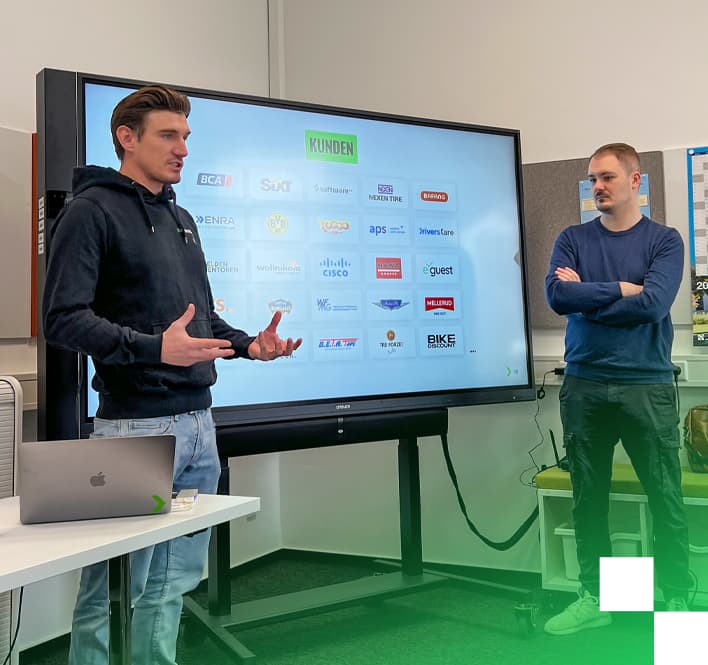
Brands that work with us







We know Composition API, state management and build pipelines: pragmatic architecture instead of over-engineering, so teams can ship fast.
We build with both. Answer five questions about your project and see which way it leans, and why. The weighting follows our decision table below.
Question 1 of 5
Both are mature and suited to most web frontends. The deciding factor is usually team, existing code and environment, not the technology. This is how we weigh it:
| Decision | Lean toward Vue.js | Lean toward the alternative |
|---|---|---|
| Shopware | Vue, if you're extending the Shopware 6 administration or building a headless frontend with Shopware Frontends and Nuxt. | React, if your headless frontend in front of Shopware should run on a React stack such as Next.js because that's where your team is at home. |
| Team size and onboarding | Vue, if a small or mixed team should become productive without lengthy upfront decisions. | React, if many developers will come and go over the years and you want to find them easily on the market. |
| Ecosystem | Vue, if a coordinated core of router, Pinia and Nuxt is enough and you can solve special cases yourself. | React, if you want ready-made libraries for many special cases. |
| Widgets in existing pages | Vue, if you're adding configurators or calculators to an existing website – Vue can be dropped straight into the HTML. | React, if your other frontends already run on React and the widgets should share components with them. |
| Mobile app | Vue, if you're staying on the web or the app will be built separately anyway. | React, if an iOS and Android app is to follow – with React Native, your team shares knowledge and some code. |
As of October 2026
Vue.js next to technologies of the same category, measured with the same public sources.
| Figure | Vue.js | Angular | React |
|---|---|---|---|
| Stars on GitHub | 55K | 101K | 253K |
| Releases in 12 months | 21 | 102 | 29 |
| Median between releases | 20 days | 7 days | 46 days |
| Latest version | 3.5.45 (05/11/2026) | 22.2.6 (12/11/2026) | 19.3.1 (14/10/2026) |
| Median time to close an issue (90 days) | 7 days | 10 days | 111 days |
| Downloads per month | 94M (npm) | 31M (npm) | 970M (npm) |
| Active contributors (12 months) | 24 | 96 | 49 |
| Security advisories (12 months) | 0 | 8 | 0 |
| Search interest in Germany (Google Trends, 12 months, 100 = most searched in the group) | < 1 | 45 | 100 |
Sources: GitHub, Google Trends (DataForSEO), OSV.dev, npm · as of 17/11/2026. Figures are indicators, not a verdict on quality. Go to the pages: Angular · React
| Version | Date | Issues opened | of which closed |
|---|---|---|---|
| 3.5.45 | 05/11/2026 | 0 | 0 |
| 3.5.44 | 13/10/2026 | 0 | 0 |
| 3.5.43 | 17/09/2026 | 0 | 0 |
| 3.5.42 | 27/08/2026 | 0 | 0 |
| 3.5.41 | 05/08/2026 | 0 | 0 |
Source: GitHub · as of 15/11/2026
Reactive data binding reduces boilerplate: state changes reliably reflect in the UI without fragile DOM manipulation.
Vue scales from drop-in widgets to large apps: clear conventions, good tooling support and an active ecosystem.

Atomic building blocks and documented props make teams productive and lower the cost of long-term evolution.
Lazy routes, async components and targeted memoising keep bundles lean – important for shops with many views.

Selected references
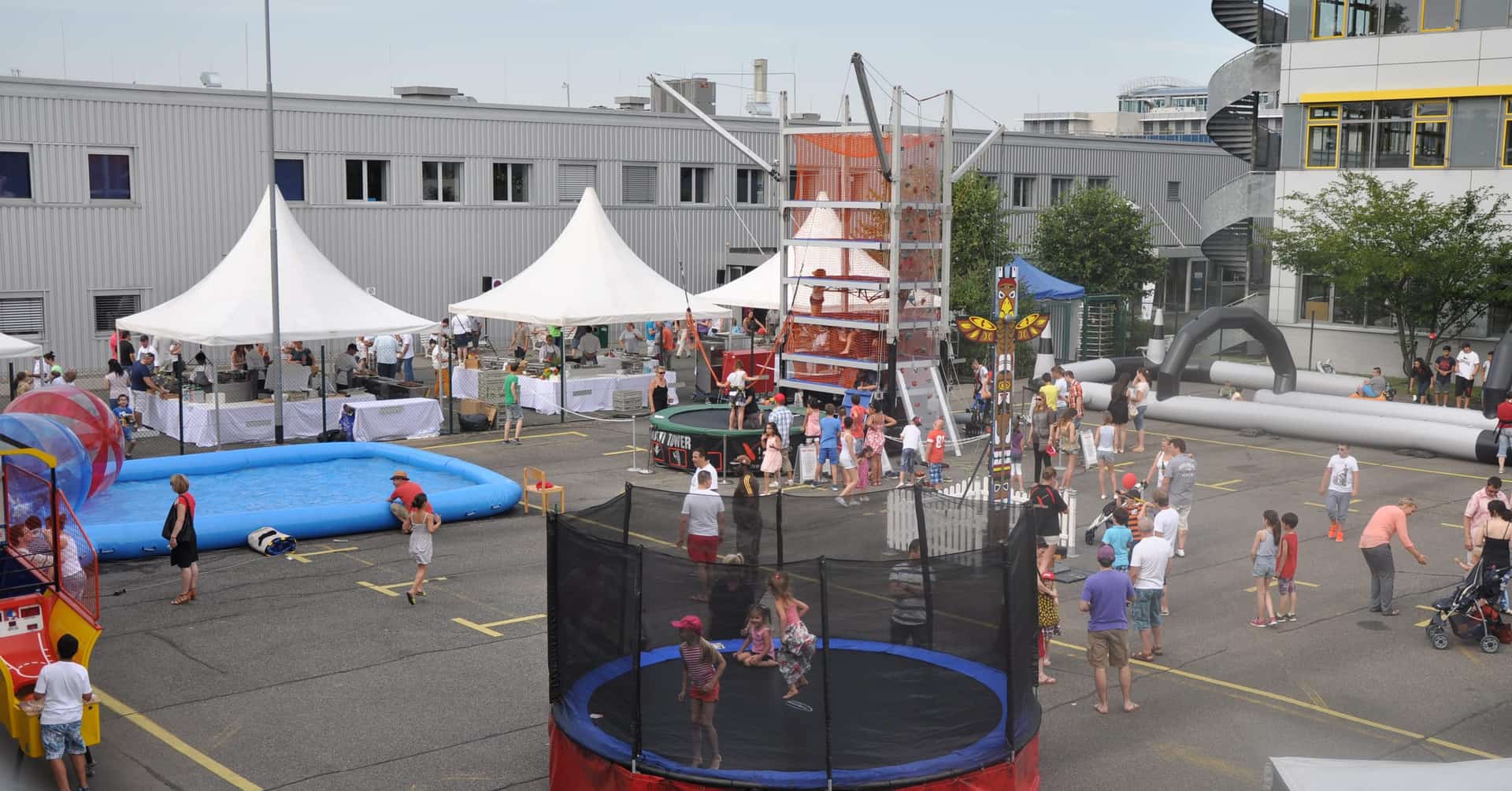

Xtreme Events
RENT EVENT MODULES VIA AN ENQUIRY BASKET349Modules migrated

Bike Discount
EUROPE'S BIG PLAYER IN THE TWO-WHEELER SEGMENT6,000Orders / day

XBoard Shop
THE SURFBOARD FOR THE STREETD2CBrand store

Etikettenmeister
PERFECT LABELS. FULL STOP.Live-Konfigurator+ ERP

Mellerud
SHOPWARE 6 ENTERPRISEMulti-CountryEnterprise store

Apple of Eden
MODERN FOOTWEAR – STYLE MEETS COMMERCEShopware 5 → 6MigrationStorefront customizations, filter UX and fast interactions without full page reloads measurably improve conversion.
Complex forms and rule sets stay clear thanks to well-defined components and validatable states.

Vue.js fits commerce and business UIs particularly well. We deliver readability for your team and measurable UX – from first prototypes to enterprise.
Clear component boundaries and reusable patterns
Experience with the Shopware ecosystem and headless stacks
Focus on load time, Core Web Vitals and accessibility
Direct contacts and traceable releases
Ready for your Vue.js project?
Let's talk about your requirements – we'll get back to you within one business day with concrete next steps.
What's it about?

Paul Kalisch
Executive Partner
Related services and technologies for Vue.js