Shopware Agency · Plugin development
Standard plugins cover 80 percent. The last 20 percent is usually what actually makes your business unique. That's exactly what we build custom plugins for – clean, tested and documented.
Brands that work with us







How we build plugins

Clean plugin architecture
We use Shopware's official extension points: subscribers, entities, migrations, custom fields, API endpoints. No core hacks, no theme overrides for logic.
Tests and documentation
Every plugin ships with unit tests, README, changelog and sensible config options. You should still understand it when we're not around.

Admin and storefront integration
We build matching administration modules with Vue.js and storefront components with Twig – consistent with Shopware's look.

B2B, regulatory, integrated
Price tiers, customer hierarchies, approval workflows, special tax logic, integration with external master data – these are our typical plugin topics.
Real Shopware success stories


Etikettenmeister
PERFECT LABELS. FULL STOP.Shopware 6+ ERP integration- E-Commerce
- Shopware


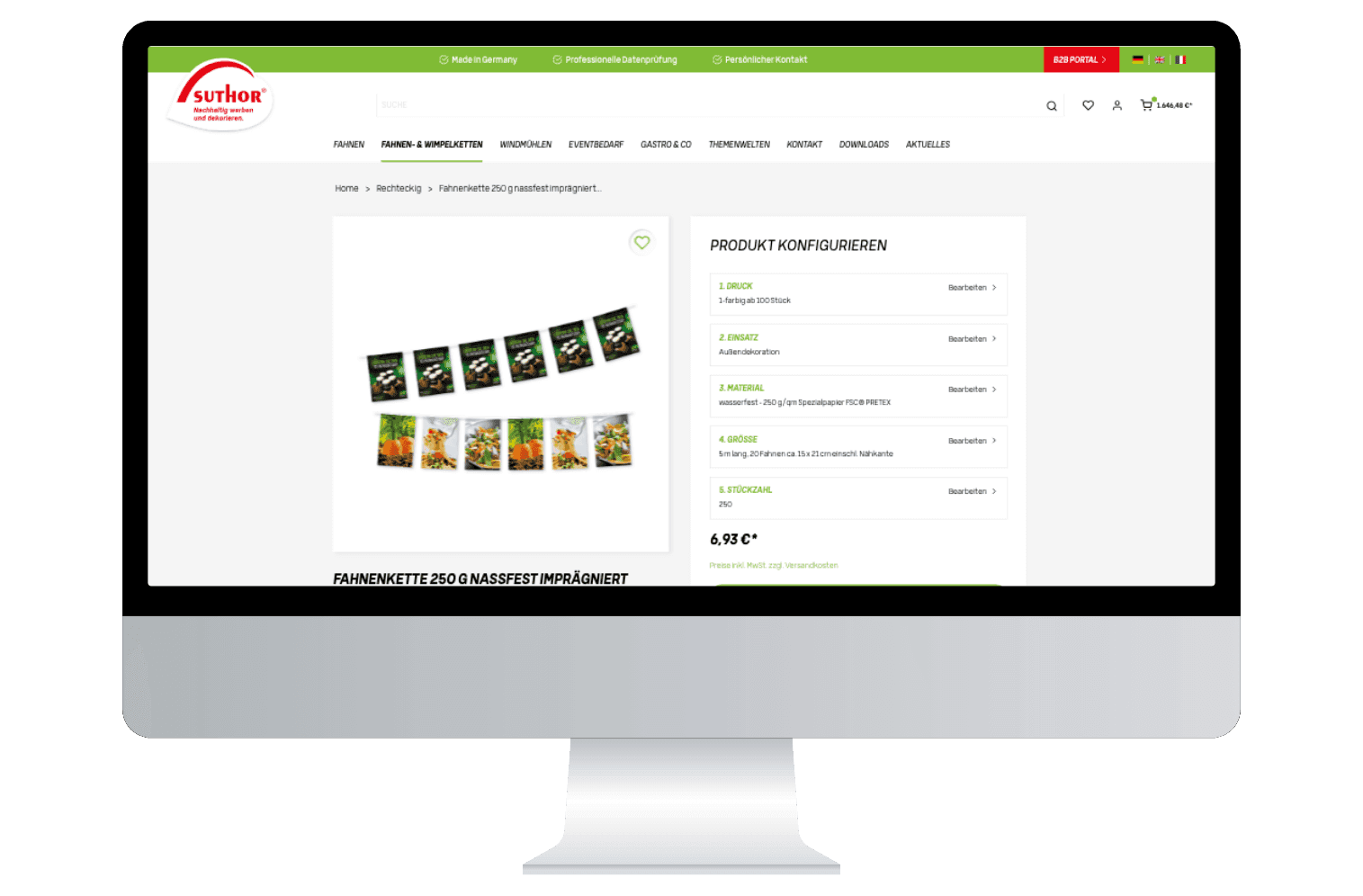
Suthor
FROM SMALL FLAGS TO BUNTINGCDHIntegration- E-Commerce
- Shopware


Xtreme Events
RENT EVENT MODULES VIA AN ENQUIRY BASKETWordPress → Shopware 6Replatforming- E-Commerce
- Shopware
Become our next success story
Discuss your projectShopware plugin development: what we build
For us, a plugin isn't a template override with a bit of PHP but a proper extension with clear boundaries. Typical building blocks are custom entities with migrations when your model needs data Shopware doesn't know: approval workflows, customer hierarchies, project prices or configuration data from the ERP. On top of that come administration modules in Vue.js, so your team can maintain this data themselves without asking us.
On the storefront side we add Twig components, custom pages and checkout steps that fit into the existing theme. For external connections we develop API endpoints based on the Store API and the Admin API, for example for punch-out systems, pricing engines or shipping providers. How we build larger integrations is shown on the Shopware interfaces page.
Shopware plugin development is part of our Shopware development, not a standalone offer. A plugin that calculates prices has to fit the ERP sync, an approval workflow has to fit the checkout. That's why, before building, we check where the logic belongs: in a plugin, in an interface or in a Rule Builder and Flow Builder configuration that needs no code at all.
Plugin or app? Shopware app system vs. classic plugin
Shopware offers two ways to extend a shop. A classic plugin runs inside the Shopware instance in the Symfony kernel, has direct access to services and the database and can adapt any part of the system. That's exactly why it's only possible in self-hosted installations: Shopware Cloud doesn't run third-party code in the shop's process, so classic plugins aren't supported there.
An app built on the Shopware app system runs outside the shop instance. It registers via a manifest, is notified of events through webhooks and works with the shop via the Admin API. The app's code lives on its own server, run by you or by us. Even so, an app can bring admin modules, custom entities, custom fields and payment methods, and with app scripts, synchronous logic such as cart rules runs in a sandbox directly in the shop. Apps work in the cloud and self-hosted, plugins only self-hosted.
So the choice depends first on the operating model. If you use Shopware Cloud or want to keep the option of switching, you need an app. If you stay self-hosted and need to go deep into services, checkout or the data model, a plugin is often faster and needs less infrastructure. We build both and tell you up front which route fits your setup.
Process: from requirement to release
It starts with the question of whether you need the plugin at all. We check whether Rule Builder, Flow Builder or an existing marketplace plugin already covers the requirement. Only if that's not enough do we describe the scope: which data, which admin views, which storefront elements, which interfaces. The result is an effort estimate that names risks instead of hiding them.
During delivery we work in short iterations, so you see early on whether the logic really matches your model. The plugin is built in your repository, every change goes through code review, and unit and integration tests run in the pipeline. You can check interim versions on a staging environment with your real data before anything moves toward live.
The release is a documented step: migrations run in a controlled way, the configuration is described, and a README and changelog are included. Afterwards we take over maintenance and update testing if you like, so the plugin keeps running with the next Shopware release. And because the code belongs to you, you can take over further development yourself at any time.
Three marketplace plugins that don't talk to each other, plus two custom patches in the theme and a forgotten update – and suddenly checkout is broken. Once your model is B2B-specific, regulatory or commercially unusual, a proper plugin pays off faster than another workaround.
What matters for Plugin development
The first thing that matters is the honest question of whether you even need a plugin. As long as a marketplace plugin does its job cleanly, we won't rebuild it. Only when your model is B2B-specific, regulatory or commercially unusual does a custom build pay off more than the next workaround. We estimate effort and risk openly upfront instead of talking you into an expensive special solution.
When we do build, update safety comes first: no core hacks, clean extension points and an architecture that survives the next Shopware release. Tests and documentation matter just as much, so you're never dependent on us but understand and own the code. We integrate consistently across the admin (Vue) and the storefront (Twig), so the plugin feels like a native part of your shop – whether it's about B2B order processes, customer-specific price lists or ERP-driven listing views.
Shopware Data & Insights
All postsWhen is a custom plugin worth it instead of a marketplace plugin?
Are custom plugins update-safe?
What does a Shopware custom plugin cost?
Do I get documentation for the plugin?
Do you also develop for the Shopware administration?
Plugin or app – what applies to Shopware Cloud?
Do you take over plugins from other agencies?
How do you keep plugins update-safe?
Plugins that survive updates
We build custom plugins as clean extensions, not patchwork – tested, documented and in your hands.
Zero core hacks
We extend Shopware through its intended interfaces instead of patching the core. That keeps your plugin update-safe.
Tests and docs included
Every plugin ships with tests and documentation. You understand the code and aren't dependent on us.
Admin and storefront integrated
We think backend and frontend together – Vue in the administration, Twig in the storefront. The plugin feels native.
Honest effort estimates
We tell you upfront whether a custom build is worth it and estimate effort and risk openly – even when the answer is no.


Discuss a custom plugin
Sketch what Shopware can't do out of the box. We estimate effort and risk honestly.
What's it about?

Paul Kalisch
Executive Partner
- 30 minutes by video or phone
- You talk directly to a partner, not to sales
- You get the order of steps, risks and rough costs

Related Shopware topics